Shipping labels straight from the order.
The order in one window, the shipping portal in the other: copy the address over, copy the tracking number back, and do it for every package. In Commerce, you create the label and tracking number right on the order.
- Carriers
- DHL Paket, DHL Express, UPS, DPD
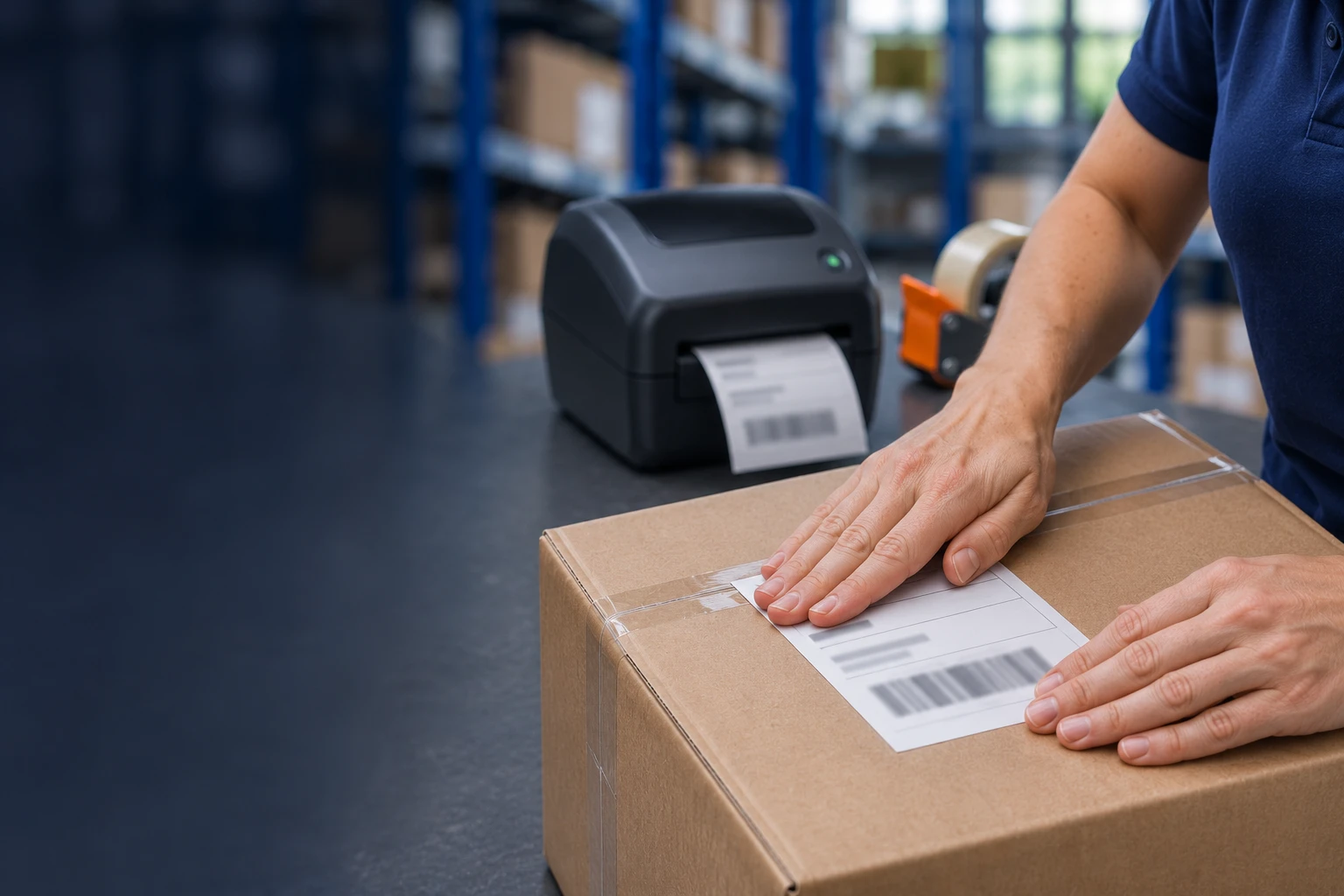
Label and tracking number are created on the order.
On the shipping screen, you scan the document or open the order. Recipient and packages are already filled in, and each package gets its own tracking number.
No copying between two windows.
What changes when you ship.
Scan the document, done
On the shipping screen, you scan the document or open the order. Recipient and packages are already filled in.
The right service
Depending on the route, whether domestic, EU, or world, Commerce uses the shipping condition you set up for it.
Additional services
You include preferred day, insurance, COD, and customs details along with documents right away.
One label per package
Multiple packages, multiple labels. Each package gets its own tracking number.
All shipments at a glance
The shipment overview shows everything that went out, with the label ready to download again.
From the handheld scanner, too
With the “Warehouse with scanners” module, the packer triggers the label right on the scanner.
€39 per month per carrier.
The price is per month, on top of the base plan. In the calculator, you put together the base plan and modules.
- One-time setup per carrier
- €290
- Base plan (added on top)
- from €149 per month
All prices are net.
Frequently asked questions
Do we need our own contracts with DHL, UPS, or DPD?
Yes. Commerce uses your credentials with the carriers, and your rates stay yours.
Does Commerce show the delivery status?
Not yet. Commerce creates the label and tracking number. It does not currently fetch the delivery status from the carrier.
Do my customers get a shipping email?
An automatic shipping confirmation with a tracking link is not included yet.
Can I cancel a shipment?
Yes. As long as the carrier allows it, you cancel the shipment in Commerce.
Show us your shipping.
We look at who you ship with, how many packages go out each day, and where you print.