The right product in the right package.
Tuesday, 9 a.m.: Your customer calls. They ordered balsamic vinegar and got olive oil. With the handheld scanner, Commerce checks every product before it goes into the package, then prints the shipping label.
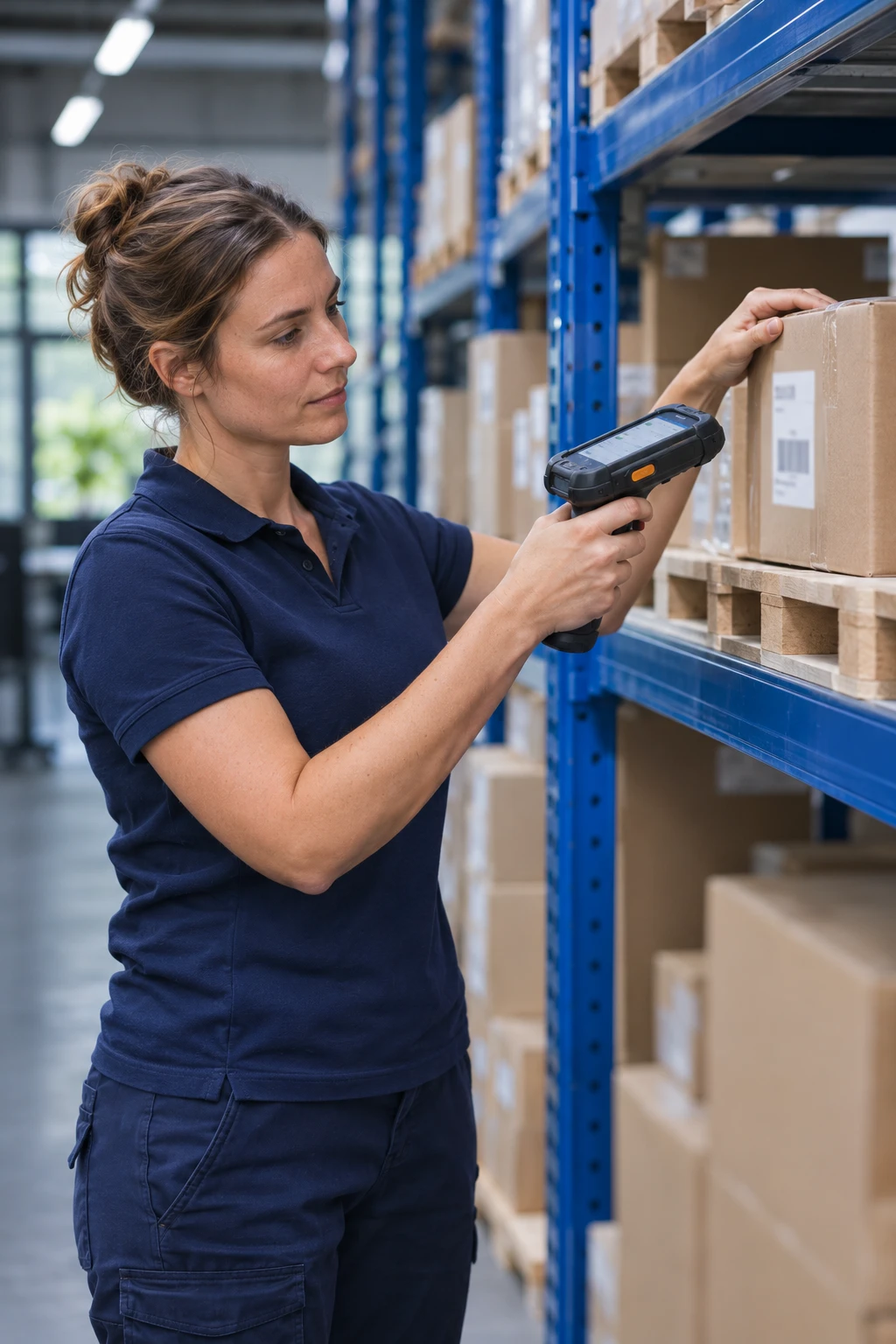
- On the handheld scanner
- Picking, packing, shipping label, inventory count, sign-in with badge
Try the scanner.
Seven stops on the device. You can also tap around freely.
Sign in
Whoever picks up the scanner signs in with their badge. After that, every order shows who picked and packed it. At the scan button, tap “Employee badge” (MA-DEMO2026). An unknown badge is rejected.
Warehouse
… or scan order number
Loading…
Scan button
On the device, you press the scan button and aim at the barcode. Here, you tap a code.
The tour shows the scanner app interface with made-up data. Nothing is shipped and nothing is posted. When you switch stops, the demo starts over.
How your warehouse works with the scanner.
Sign in
Whoever picks up the scanner signs in with their badge. After that, every order shows who picked and packed it. An unknown badge is rejected.
Take an order
The list shows approved orders, oldest first. You scan the order number from the delivery note or tap “Next order.” An order that has been taken is locked for the other scanners.
Pick
You scan every product in the order. If a product does not belong, the scanner flags it right away.
Pack
When packing, every product is scanned once more. Finally, you enter the weight per package and finish.
Print shipping label
On the packed order, you tap “Shipping label,” and the print dialog opens on the device. If the shipping service rejects the shipment, the scanner explains the problem in one sentence, and you select another shipping service. Until then, the case stays visible in the office.
What changes in the warehouse.
Wrong product? The scanner speaks up.
An error tone and vibration come before the product lands in the basket. An extra product is not counted.
Packing check at the packing station
When packing, every picked product is scanned once more. Only when everything matches can the package be completed.
Shipping label from the scanner
Enter the weight, trigger the label, print. Commerce uses your shipping connector for this, and the order gets the tracking number.
You see who did it
Everyone signs in with their badge, with a PIN if you want. In picking, every order shows who picked and who packed it.
Inventory count with multiple scanners
Everyone counts at the same time without seeing the book stock. Commerce posts the difference as of the cut-off date, even if items were sold in the meantime.
Dead zone in the high-bay rack
Scans without a connection wait on the device and go out later. Nothing gets counted twice.
€149 per month for up to 5 scanners.
The price is per month, on top of the base plan. In the calculator, you put together the base plan and modules.
| scanners | Price per month |
|---|---|
| up to 5 | €149 |
| up to 20 | €289 |
| up to 50 | €499 |
- One-time setup
- €490
- Base plan (added on top)
- from €149 per month
All prices are net. More than 50 scanners on request.
Frequently asked questions
Which scanners are supported?
The intelliMDE scanner app runs on Android handheld scanners with a built-in barcode scanner, basically on any device of this kind. The Urovo DT50, for example, is in use and tested.
How does the app get onto the scanner?
During setup, we install the app and configure the scanner. After that, you pair each device yourself: you display a QR code in Commerce, the scanner reads it, done. New features then come from Commerce, without an app update.
How do we print the shipping labels?
The scanner sends the label to your printer through the Android print service. We work out which label printer suits your warehouse during setup. The carrier is whatever is set up in your shipping connector.
What happens to the stock in the ERP?
The inventory count posts the stock in Commerce. If your ERP manages the stock, the next sync from the ERP overwrites the value. Transferring the inventory count to the ERP is not included yet.
Can we pick multiple orders at once?
Currently, each scanner picks one order at a time. Batch picking across multiple orders and pick paths by storage location are not included yet.
Let us show you in your warehouse.
We talk through your processes, your scanners, and your shipping.